Rebuilding search so it actually finds things
Autosuggest, no-results recovery and keyboard-aware filters turned a search box most mobile customers avoided into one they used.
- Search
- Discovery
Focus
Search converted at twice the rate of browse, but only six percent of mobile customers used it. The search bar sat out of thumb reach. Literally.
Constraints
- Algolia powered the index; we could not change the relevance model in this phase
- Synonyms and merch redirects were maintained by a different team, so coordination was required
- Mobile keyboard behaviour varied across iOS Safari, Chrome, and the in-app browser
- Accessibility had to clear WCAG 2.2 AA before launch, including for screen readers
Context
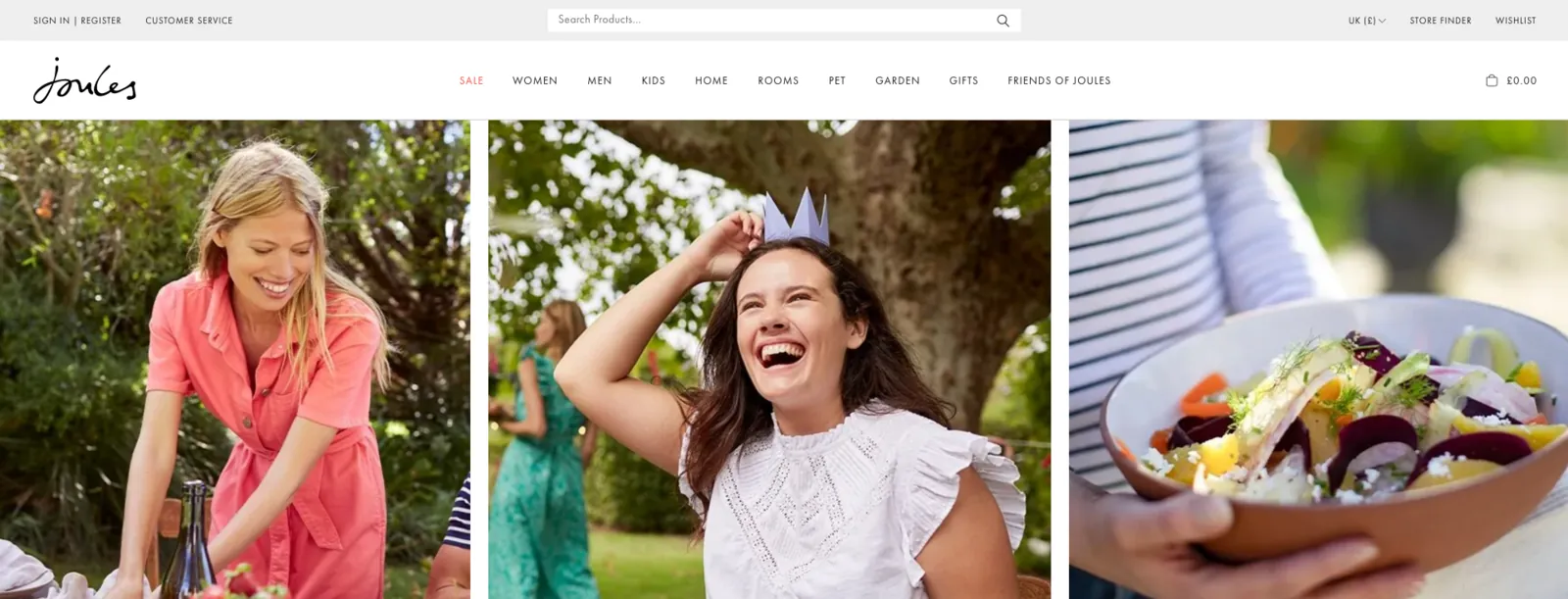
Site search at Joules was a strange paradox. People who used it converted at roughly twice the rate of people who browsed, but only a small minority of mobile customers ever used it. When I dug into the analytics, the answer was both obvious and embarrassing: the search field on mobile was tucked behind a small magnifier icon at the top of the screen, the input that opened was thin, the keyboard covered most of the suggestions, and the no-results page told you only that there were none.
I led the redesign. It turned out to be one of those projects where a lot of small things mattered more than any single big thing.
Approach
I started with three weeks of observation. I watched twenty session recordings of mobile search sessions, ran a five-person moderated round watching customers attempt to find specific products, and read every customer service ticket from the previous six months that mentioned “couldn’t find” or “search”. The pattern was clear: people were giving up before they had really tried.
Then I built three rough prototypes (paper-thin, just enough to test) covering different ideas for entry, autosuggest, and recovery. I tested them with five users in a single afternoon. The strongest signal was around autosuggest: structured suggestions (split into products, categories, and trending queries) outperformed a flat list every time.
Decisions
Three decisions shaped the build.
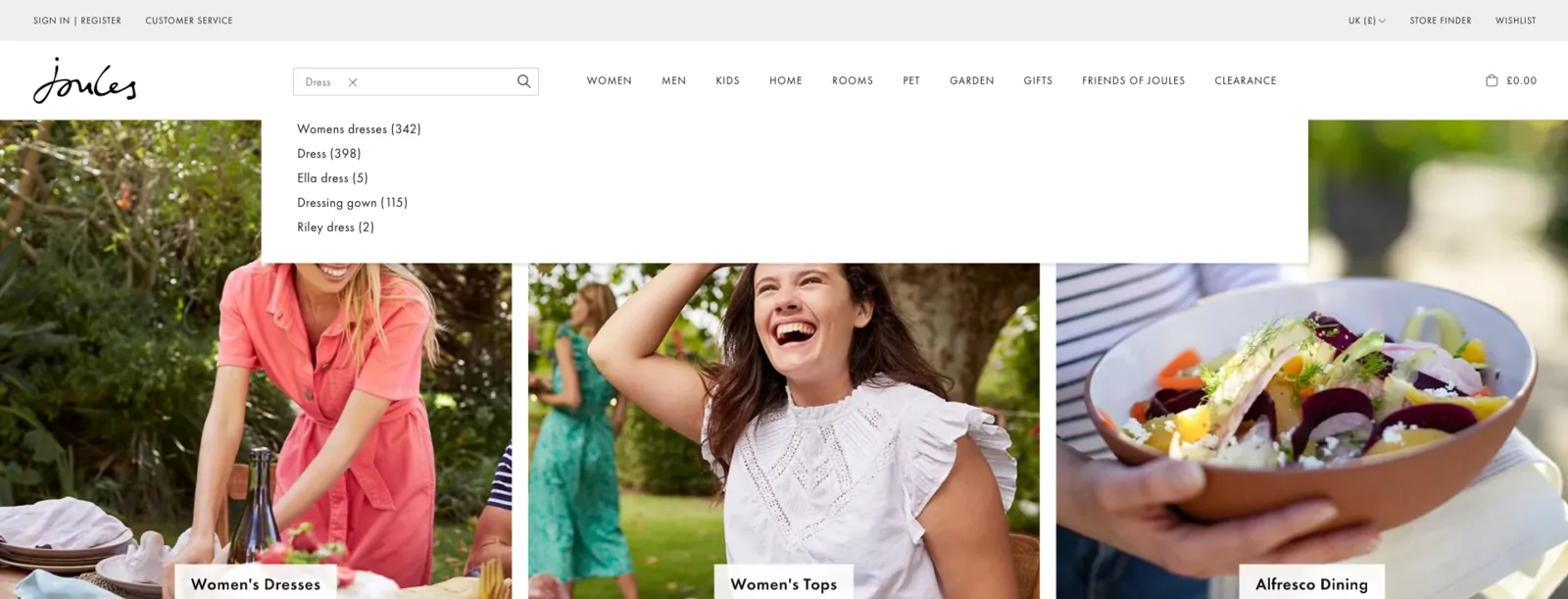
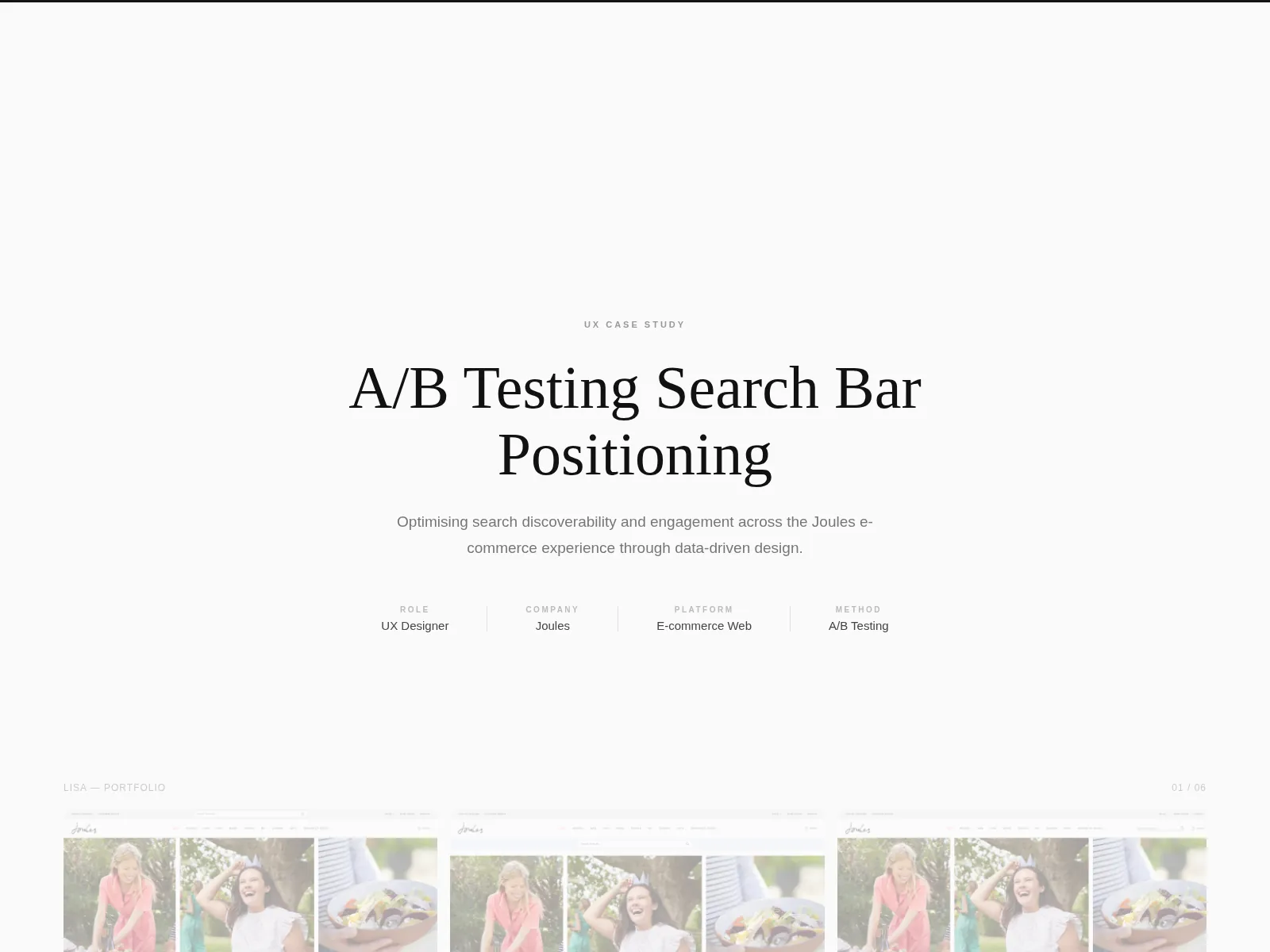
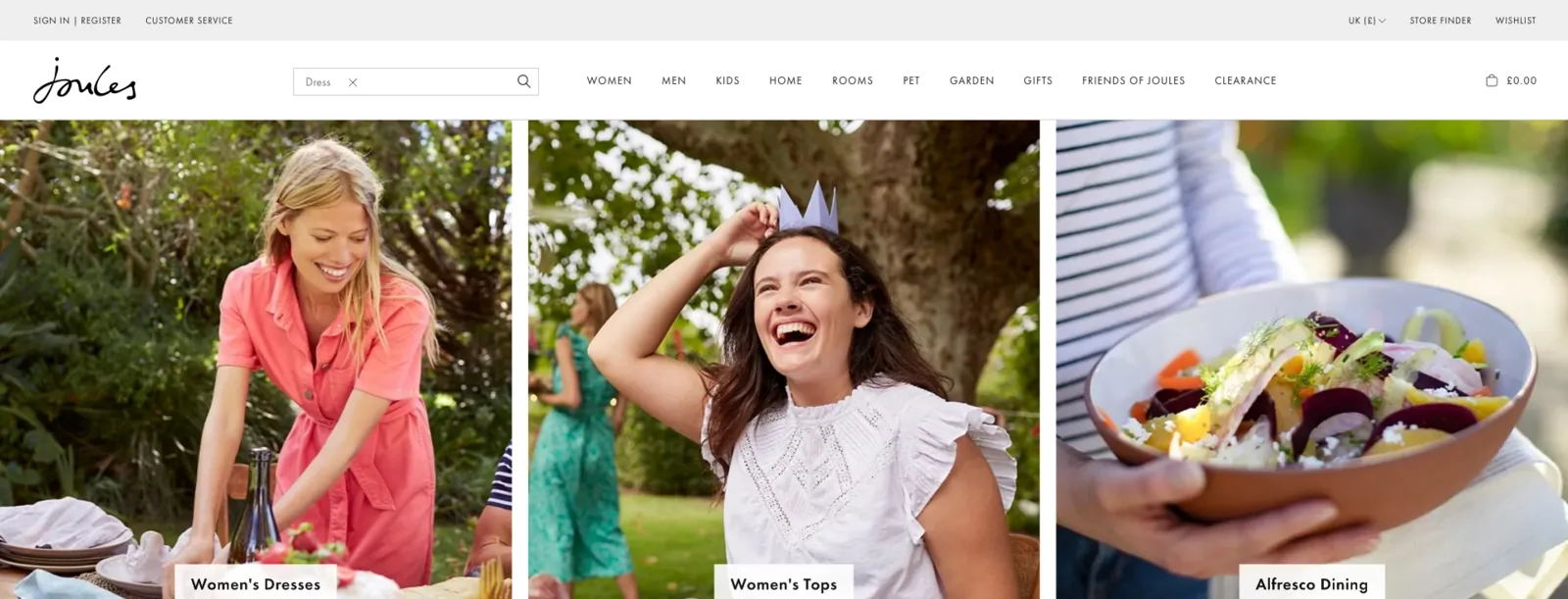
First, the search input went persistent on mobile within the navigation, rather than hidden behind an icon. The trade-off was vertical space (a few precious pixels), and the team initially balked. I argued the conversion uplift on increased usage would more than justify the loss, and the data later backed it.
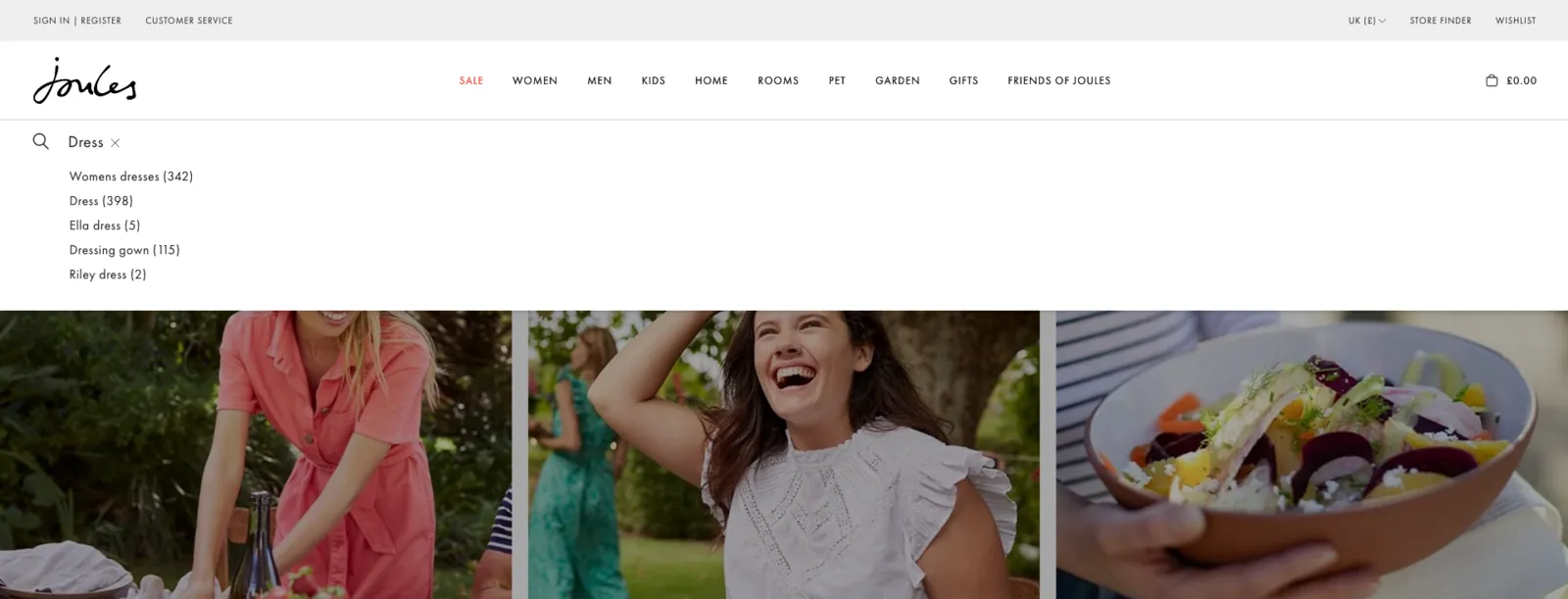
Second, autosuggest got a structure: top three product matches with imagery, then category links, then trending queries. The trending queries piece was contested (there was a worry it would skew toward whatever was already popular and bury the long tail), but in testing it turned out to function as a recovery surface for people who didn’t know what to type, which was a much larger group than I had assumed.
Third, no-results stopped being a dead end. Instead of “Sorry, no results for bobble hat”, we showed: did-you-mean suggestions if relevance allowed; the closest category match; a curated set of trending products; and an obvious “browse all” exit. Three of those four were free to build because the data was already there. We just had not been using it.
Iterations
The mobile keyboard handling took the longest to get right. iOS Safari, Chrome, and the in-app browser all reported viewport heights differently when the keyboard was up, and our first build had filter chips disappearing under the keyboard on certain devices. I worked closely with the engineers on a pattern that pinned the input and chips to the visual viewport rather than the layout viewport, with a tested fallback for older browsers. It was ugly under the hood. The result was that on every device we tested, the customer could see what they had typed and what they could filter at the same time.
The autosuggest layout went through about six rounds. The trickiest call was how to weight imagery: too much and it crowded out the category and query suggestions; too little and it failed the “is this the thing I’m looking for” test. The version we shipped used small thumbnails (44 px square, deliberately at the minimum tap target) and a tight type hierarchy.
Collaboration
The search platform engineer was the unsung hero of this project. He ran the Algolia index and held the synonym list, and he pulled out two months of query logs that revealed patterns I would never have found from session recordings alone, including a long tail of misspellings (mostly of “wellington”) that we wired into the synonym table in a single afternoon.
The researcher and I tag-teamed the accessibility work. We ran a screen-reader-only round with two participants and caught two issues: the autosuggest results were not announced as a list, and the no-results recovery section was not flagged as a region. Both were quick fixes once we knew. Both would have shipped without that round.
The PM pushed back hard on the persistent search input. We argued, then we tested, and the test answered it.
Outcomes
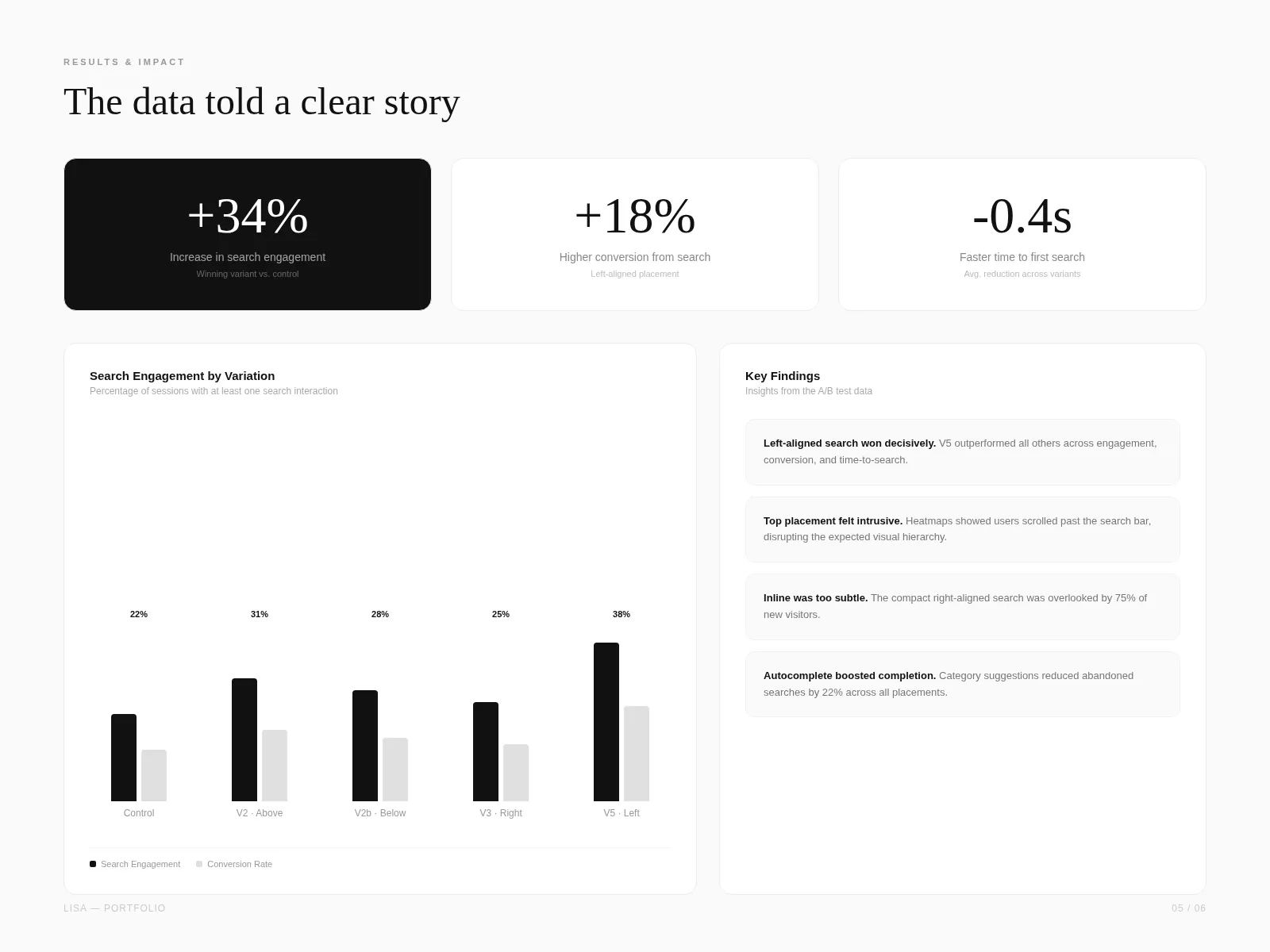
We shipped behind a 50/50 split for two weeks before rolling out fully.
The customer service team logged a noticeable drop in “couldn’t find product” tickets in the four weeks after launch. The merch team started using the trending-queries panel as a leading indicator for stock decisions, which was a use we had not designed for and were quietly delighted by.
What I’d do differently
The synonym and redirect coordination with the merchandising team was lighter than it should have been. I would have insisted on a weekly fifteen-minute sync from week one, rather than the ad-hoc messages we ended up with. Three of the recovery-flow polish items came from that team and would have been better caught earlier. I would also have built a simple internal-search-monitoring dashboard alongside the public-facing changes; we got one eventually, but it lived on someone’s laptop for the first month.
Impact
A redesigned search surface: persistent input on mobile, structured autosuggest with categories and trending queries, a no-results state that recovers rather than apologises, and a filter UI that respects the on-screen keyboard.